
GTA 6 (Grand Theft Auto VI) features a hidden First Person view at launch. However, this is currently limited to certain situations and you can’t play fully in first person the entire time.
How to play in First-Person:
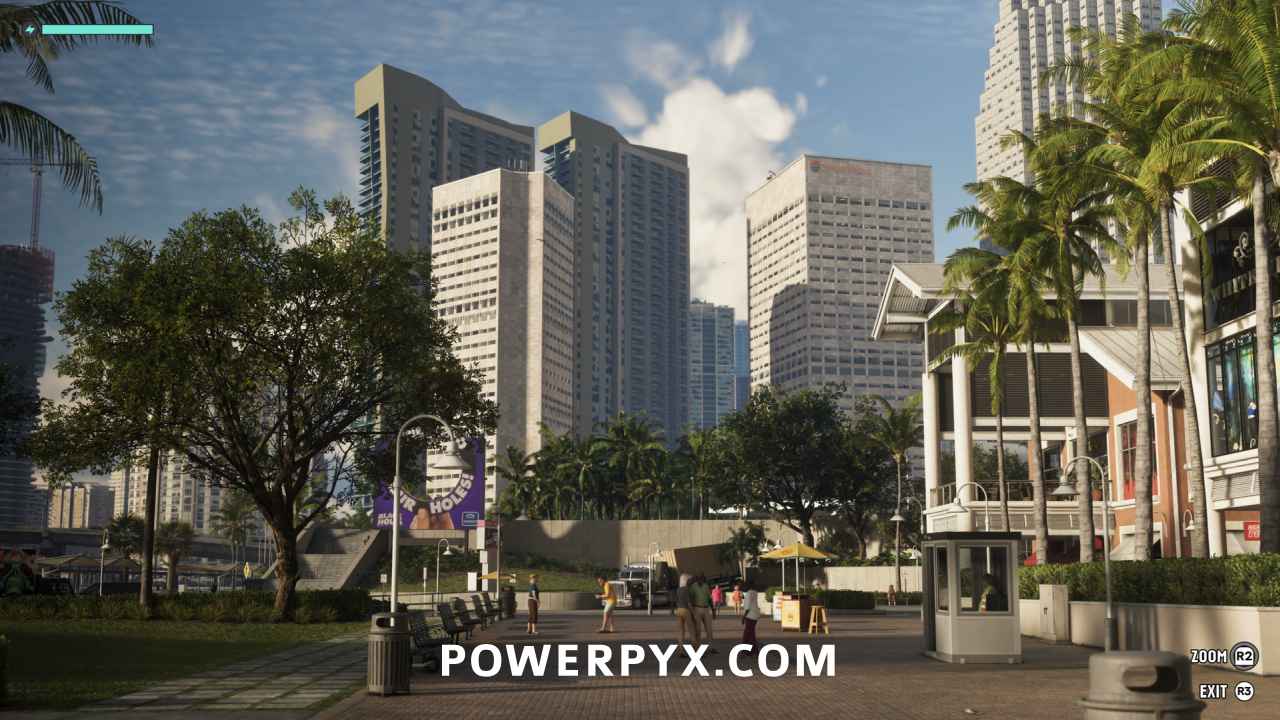
- While standing still, hold L2 + R3 / LT + Right Stick. You can’t walk around in first person view.
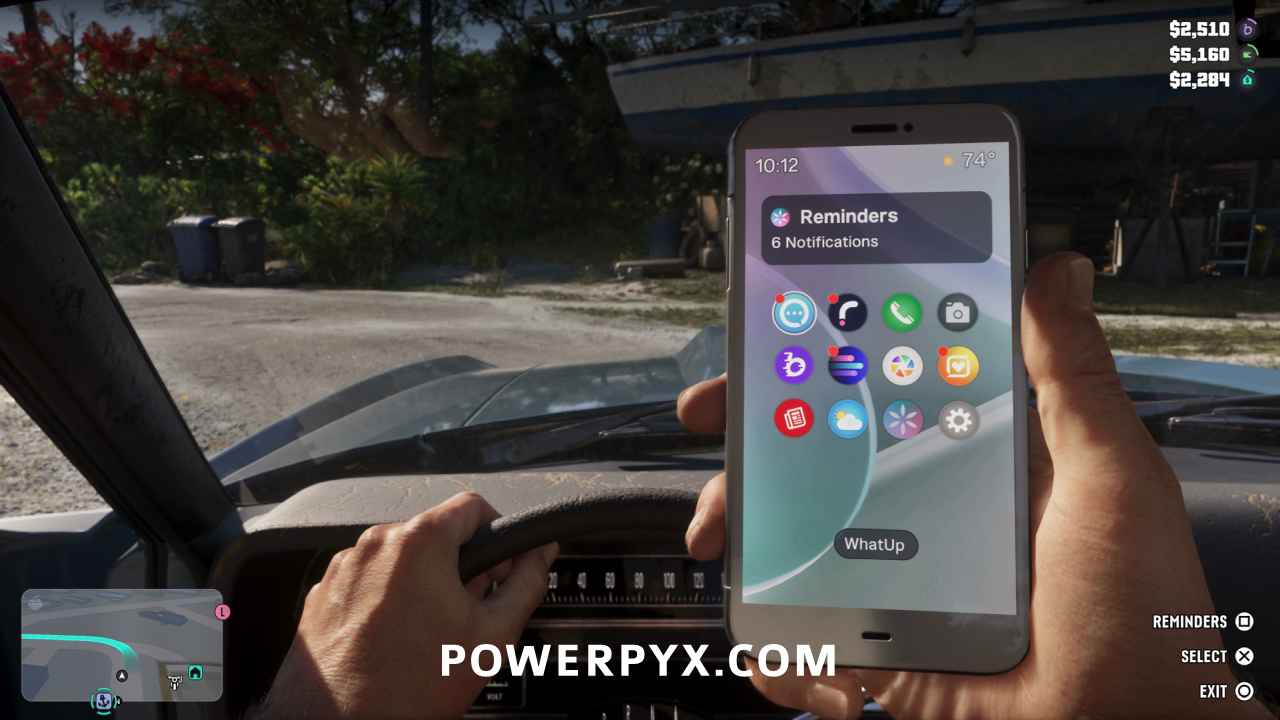
- While driving a vehicle, press D-Pad Up to pull out your phone. You can then drive around in first person view but only with your phone out.
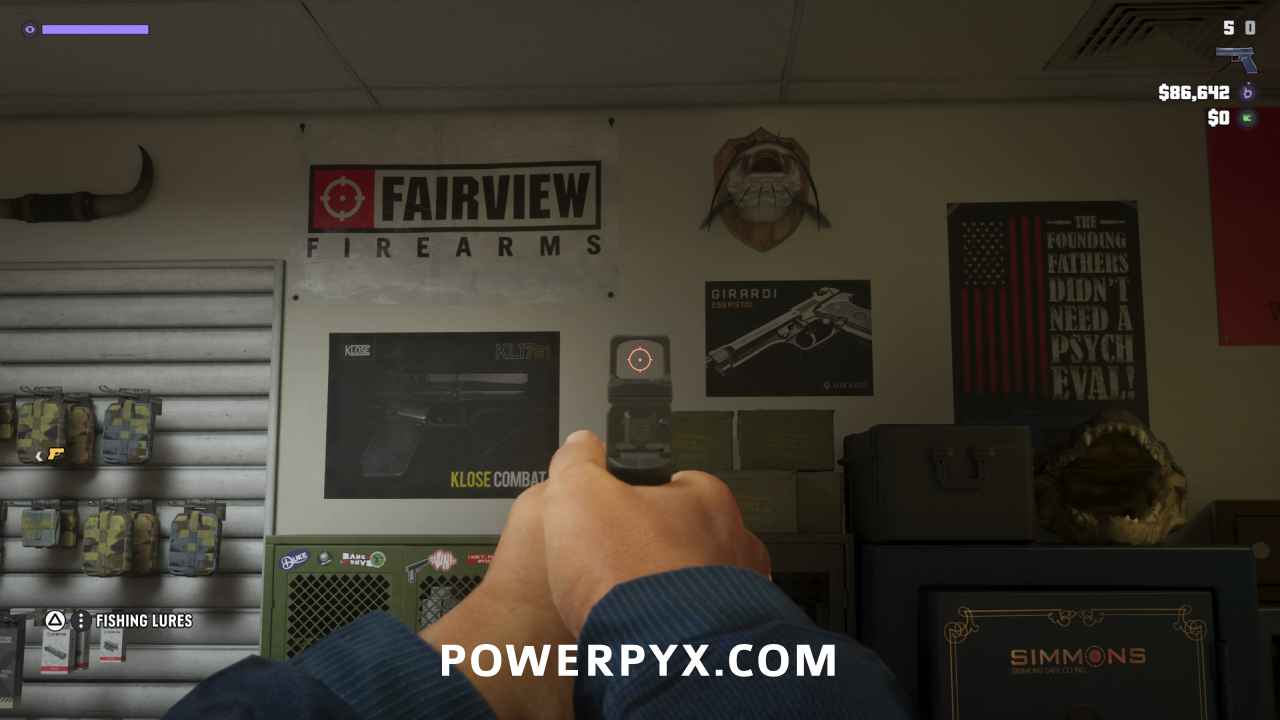
- If you have a weapon with sights equipped, hold L2 + R3 / LT + Right Stick while aiming the gun. You can customize your gun with optics at any gun store by interacting with the clerk.
GTA 6 in First Person Images:
Rockstar Games may add fully playable First Person later on, given that the function is already there it’s likely just an optimization challenge and could be patched in later.
For more tips check our GTA VI Wiki & Strategy Guide.
Leave a Reply